Text the vehicle details
Send the year, BMW model and trim if known, plus a photo of the factory display. A photo of the iDrive controller is helpful.

Hollywood, Los Angeles
Add a more useful phone experience to your BMW while respecting the screen, iDrive controls and factory features that make the cabin feel complete. Elite Audio Hollywood confirms the factory system before planning the upgrade.
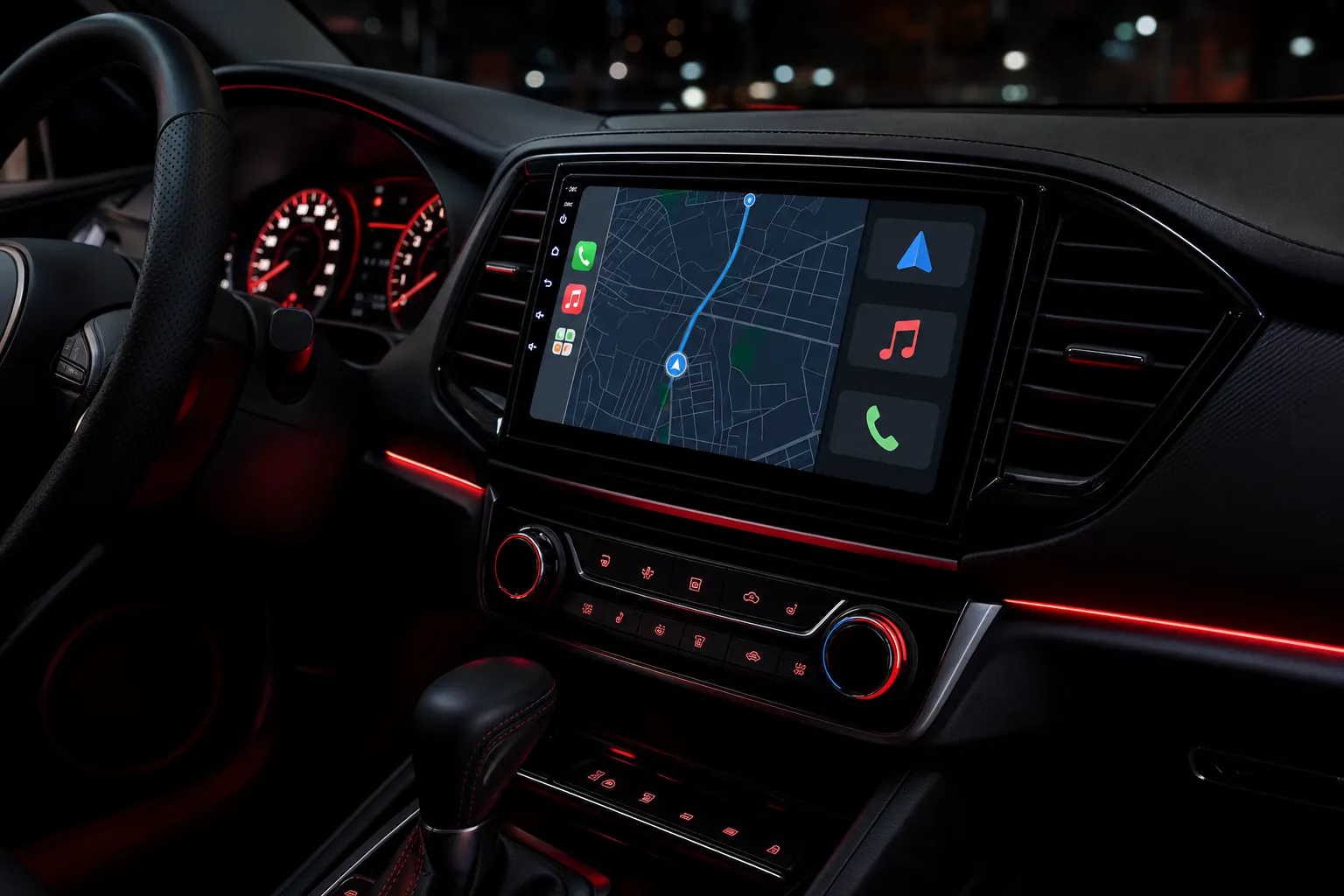
Built around your vehicle
BMW CarPlay compatibility is shaped by the iDrive generation, factory display configuration, controller, audio system, camera equipment and original options. A BMW with CIC, NBT or NBT Evo hardware can call for a different approach, even when the vehicles look similar from the driver’s seat.
Elite Audio reviews the exact year, model, screen and iDrive controller before recommending a solution. This avoids treating firmware flashing or coding as the default answer when a vehicle-specific integration or a properly planned display upgrade is the better fit.
The goal is a clean, dependable CarPlay or Android Auto experience that complements the original BMW interior and makes everyday navigation, calls and music easier to use.
CIC, NBT and NBT Evo systems can have different integration requirements. The factory platform is identified before the upgrade is selected.
Some BMW applications can use factory-screen CarPlay integration, while others may suit a larger compatible touchscreen replacement.
iDrive control, factory audio, cameras, steering-wheel buttons and vehicle settings are reviewed before work begins.
Compatibility first
Send the year, BMW model and trim if known, plus a photo of the factory display. A photo of the iDrive controller is helpful.
The display, controller, factory audio, camera system and installed options are reviewed to identify the appropriate CarPlay path.
Elite Audio installs the selected solution with the dashboard experience in mind, then tests and explains the finished system.
Upgrade options
For compatible BMW applications, an interface can add CarPlay while keeping the original screen and iDrive controls central to the experience. Available features depend on the vehicle and selected application.
Some BMW owners may prefer a larger compatible touchscreen replacement. That decision is made around the original display, dash layout and factory functions that need to be considered.
Factory features
Every available feature depends on the exact vehicle and selected application. Elite Audio confirms compatibility before work begins, so the upgrade stays focused on the functions you use most.
Model-family guidance
BMW sedans and coupes can use different display sizes, controller layouts and audio systems across the same generation.
BMW SUVs can add their own camera, parking and screen-configuration considerations.
The correct system is determined by factory equipment, not by assuming every BMW of a given year uses the same iDrive setup.
“Mark had me come in the same day, took the time to look everything over, and quoted me a price that was several hundred dollars less than the other shop. The install was clean, professional, and the new radio honestly looks and works better than the original one.”
Leslie S., Google review
Before you book
Many BMW vehicles can use a compatible CarPlay solution, but the right path depends on the iDrive generation, factory display, controller and original options.
Not as a default installation path. Elite Audio first reviews whether a vehicle-specific integration or display upgrade is appropriate for the BMW you drive.
Depending on the selected application, the factory controller may remain part of the finished setup. Compatibility is confirmed before installation.
Text the year, model, trim if known, and a photo of the factory screen. A photo of the iDrive controller and any factory camera information is also useful.
Plan your upgrade
Text Elite Audio Hollywood your year, make, model and trim if known, along with a photo of the factory screen. Add a photo of the center-console controller when relevant, and we’ll help determine the right upgrade. Call or text 877-812-8346.
Explore Apple CarPlay installation in Los Angeles →Explore backup camera installation →