Text the Acura details
Send the year, model, trim if known and a photo of the factory screen. Include the center-console controller and camera details when applicable.

Hollywood, Los Angeles
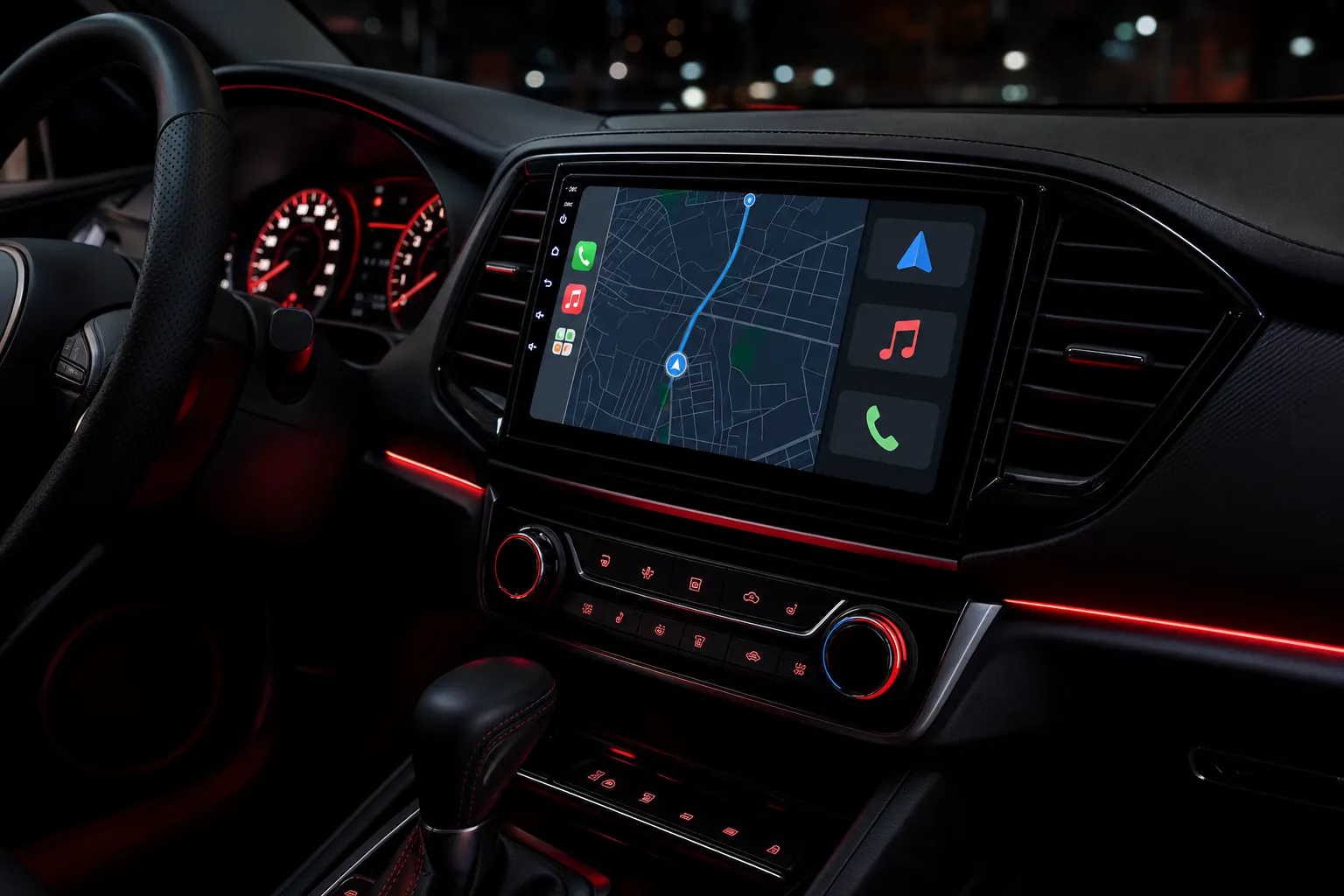
Modernize your Acura with Apple CarPlay or Android Auto while respecting the original screen, controls, camera and factory audio system. Elite Audio Hollywood checks compatibility before recommending an upgrade.
Built around your vehicle
Acura CarPlay upgrades can vary sharply by model year, factory navigation, screen configuration, controller, audio system and cameras. Some Acura vehicles use a dual-screen layout, which needs a vehicle-specific review before deciding whether a factory-screen integration or another upgrade path makes sense.
Elite Audio looks at the exact Acura before equipment is selected. That helps identify the original system, the functions you want to retain and the cleanest approach for your dashboard.
The result is planned around useful everyday features such as wireless Apple CarPlay, Android Auto, factory camera visibility, steering-wheel controls and OEM-style fit, where supported by the chosen application.
Some Acura dashboards use more than one display or a controller-based interface, so photos of the screen and console are especially useful.
Selected Acura applications can add CarPlay and Android Auto through the original screen and radio system, depending on the factory equipment.
Factory audio, cameras, controls and navigation equipment are reviewed before the upgrade path is confirmed.
Compatibility first
Send the year, model, trim if known and a photo of the factory screen. Include the center-console controller and camera details when applicable.
Elite Audio checks the display layout, navigation, controller, audio package and camera equipment before recommending a compatible solution.
The selected system is installed cleanly, checked with the vehicle and explained before you leave.
Upgrade options
For selected applications, an interface can bring Apple CarPlay and Android Auto into the factory screen experience. The exact capabilities depend on the original equipment and selected solution.
Not every Acura dashboard uses the same screen or controller arrangement. When a different display or touchscreen approach is appropriate, it is selected around the vehicle and the factory features you value.
Elite Audio works with Hamilton Motor Company Acura solutions where appropriate. Current Hamilton applications include factory-screen upgrade modules for select MDX, RDX, TLX and RLX vehicles, each tied to specific years and original factory equipment. That makes a quick compatibility check essential before selecting a system.
Factory features
Every available feature depends on the exact vehicle and selected application. Elite Audio confirms compatibility before work begins, so the upgrade stays focused on the functions you use most.
Model-family guidance
MDX and RDX models can vary by year, navigation equipment, display layout and original controller configuration.
TLX and ILX applications can differ by model year, screen arrangement and factory audio or camera equipment.
The correct CarPlay approach is confirmed from the specific Acura, not from the model name alone.
“Mark had me come in the same day, took the time to look everything over, and quoted me a price that was several hundred dollars less than the other shop. The install was clean, professional, and the new radio honestly looks and works better than the original one.”
Leslie S., Google review
Before you book
Some compatible Acura vehicles can add CarPlay and Android Auto through the original screen. The year, model, navigation system and factory display configuration need to be reviewed first.
No. Dual-screen layouts and controller systems can require a different compatibility review from other Acura dashboards.
Many applications can retain useful factory features where supported. Elite Audio confirms the original equipment and selected solution first.
Text the year, model, trim if known and a photo of the factory screen. A photo of the center-console controller and details about navigation or factory cameras are useful.
Plan your upgrade
Text Elite Audio Hollywood your year, make, model and trim if known, along with a photo of the factory screen. Add a photo of the center-console controller when relevant, and we’ll help determine the right upgrade. Call or text 877-812-8346.
Explore Apple CarPlay installation in Los Angeles →Explore backup camera installation →Explore Hamilton CarPlay installation →